Radiography measurement
On the PEC user interface,
Click for Camera to open slits and to put filter.
Confirm and/or move ‘2TH’ to > 11°.
Move camera IN
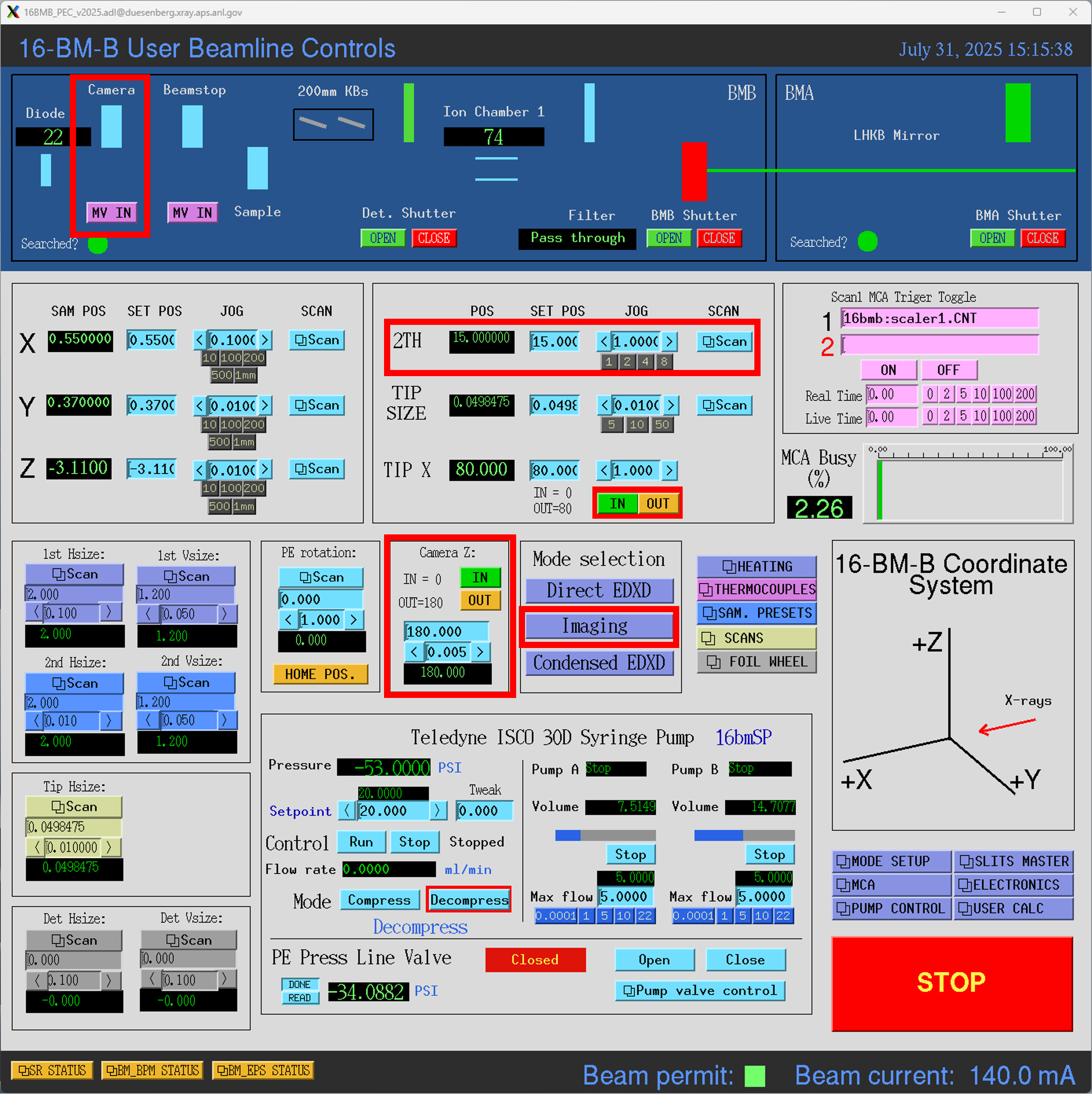
Open ‘Manta Camera’ shortcut on desktop. This will opend a small launcher window with two buttons Manta Viewer and Cam Control:
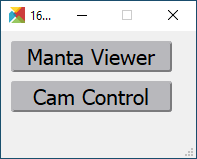
Click Manta Viewer in the launcher window to launch the viewer window.
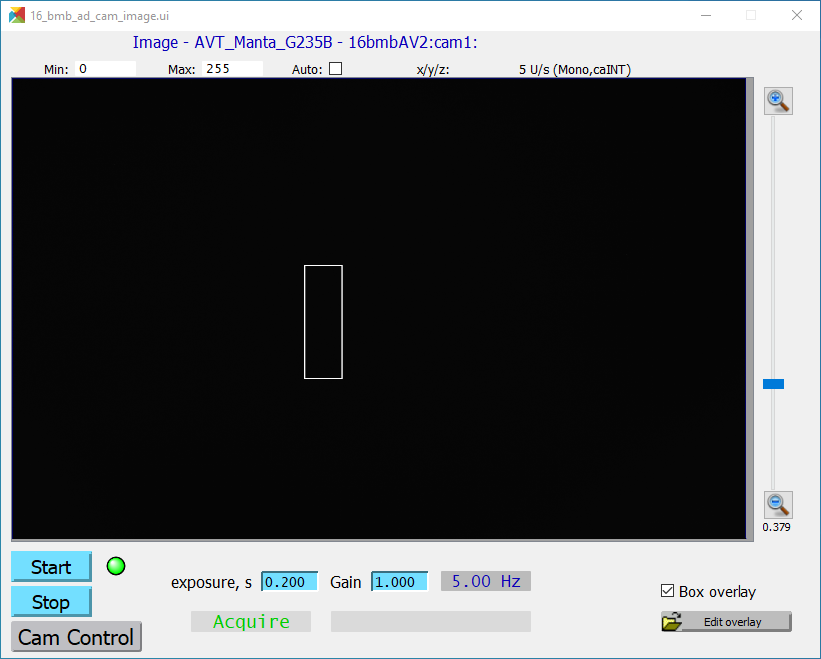
Click Start to start camera. Adjust the ‘exposure, s’ if needed.
Click Cam Control in the launcher window to launch camera image file saving control.
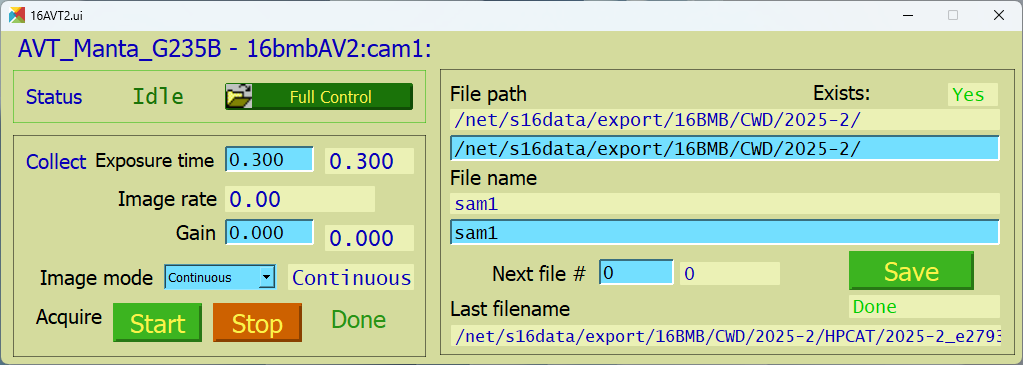
Enter the ‘File path’ and the ‘File name’.
To save the image, click Save.
Note
The File path for saving the data should be /net/s16data/export/16BMB/CWD/2025-2/,
followed by the run number, eg. 2025-2, followed by beamtime category (GUP, etc.) and PI name.
Note
Be careful when copy-pasting the file path from the Windows Explorer into the file saving control. The file saving control uses forward-slashes ‘ / ‘, while windows exlorer uses back-slashes ‘ \ ‘.